



For a long time, I was all in on Showit.
It’s what I used.
It’s what I sold.
It’s what I taught.
And I still love it.
So adding Squarespace templates might seem a little random… or like I’m switching directions.
I’m not.
I’m just paying attention to what actually makes sense, both for my business and for the people buying these templates.
Here’s what I started noticing
Over time, I kept getting the same questions:
“Do you have anything for Squarespace?”
“I love your designs but I don’t use Showit”
“I just want something easier”
At first, I ignored it a little.
Because if I’m being honest, I prefer designing in Showit. You can do way more with it.
But not everyone wants that level of control.
Squarespace is easier… but not perfect
Squarespace is great for getting a site up quickly. That’s the biggest win.
It’s faster to design in, the system is more structured, and there’s a much larger pool of people already using it. From a business standpoint, that matters.
The fonts are also surprisingly better. There are way more built-in options that actually look good. I’ve been using Ivy Presto Display lately and it’s kind of hard to beat.
And one thing that’s underrated is how text behaves. It naturally scales with the screen size, which makes responsiveness a lot easier to manage.
But it’s not all smooth.
You do have to manually transfer templates, which isn’t the end of the world, but it’s definitely not hands-off.
You’ll also get more support questions. Things move around. Sections don’t always stay exactly where you put them. And if you’re someone who cares about precise design, it can feel limiting.
You’re not going to get that exact, pixel-perfect look.
And the price point is lower, which means you’re playing a slightly different volume game.
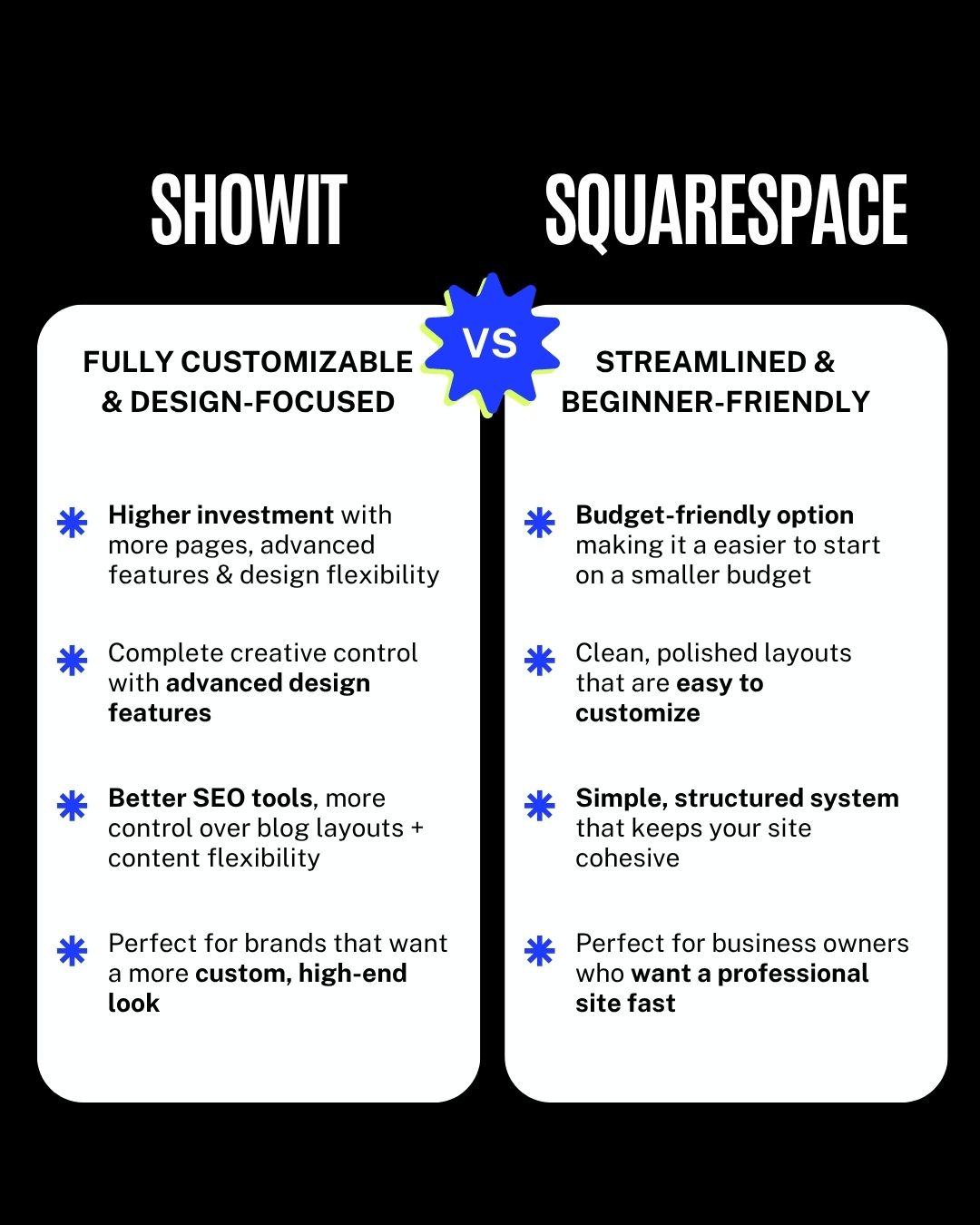
Showit gives you full control… but takes more work
Showit is the opposite in a lot of ways.
This is where you go when you want full creative freedom.
You can design exactly how you want. Every detail. Every layout. Everything feels more custom and elevated, which is why Showit sites tend to look more high-end.
It’s also easier on the customer side when it comes to template installs. It’s basically hands-free. You send a share key and they’re in. No manual setup.
And for certain niches, especially photographers, the gallery options are just better. No comparison.
Plus you get the WordPress blog integration, which gives you more control on the SEO side.
But it’s not perfect either.
It takes longer to design in. There’s no way around that.
Making sitewide changes can be a little annoying compared to more structured platforms.
The font options aren’t as strong out of the box unless you’re uploading your own.
And things like ecommerce or scheduling aren’t built in, so you’re relying on integrations.
So why not just stick with Showit?
Because not everyone wants the same thing.
Some people want:
- Full design control
- A high-end, custom look
- Advanced features
And some people want:
- Something simple
- Something fast
- Something that just works
Squarespace fills that second category really well.
And if I only offered Showit templates, I’d be ignoring a huge group of people who are ready to buy… they just don’t want to use Showit.
What this means if you’re a designer
If you’re building a template shop, this is worth thinking about.
You don’t have to pick one platform and stick with it forever.
You can start with one, get traction, and then expand when it makes sense.
But I wouldn’t recommend doing both right away.
Each platform comes with different expectations, different buyers, and different types of support.
It’s manageable once you have momentum.
It’s a lot harder when you’re still trying to get your first sales.
This wasn’t about switching platforms.
It was about expanding in a way that actually makes sense.
Showit is still a huge part of my business.
Squarespace just gives me a way to reach more people who want something simpler, faster, and easier to manage.
And honestly, there’s room for both.
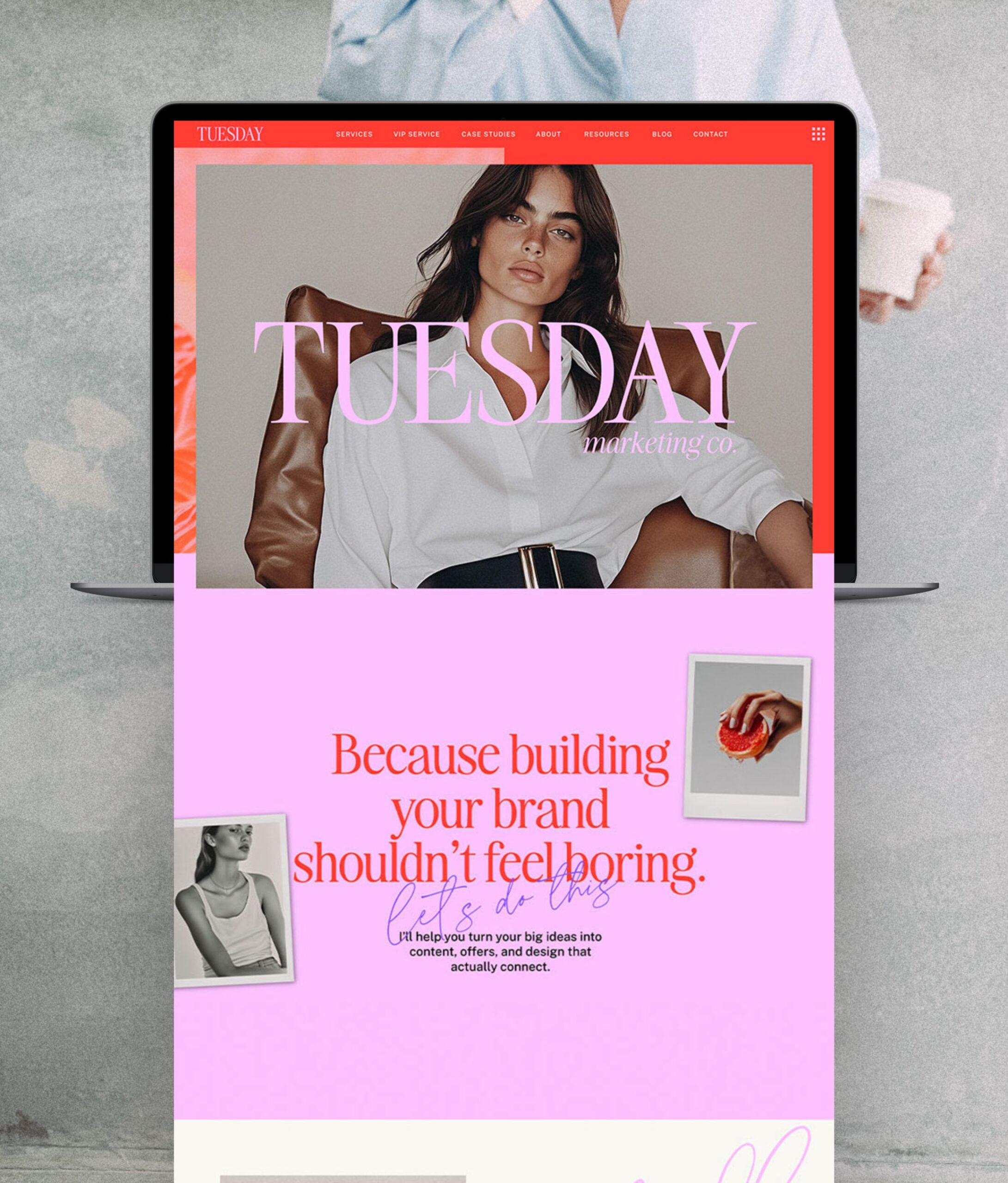
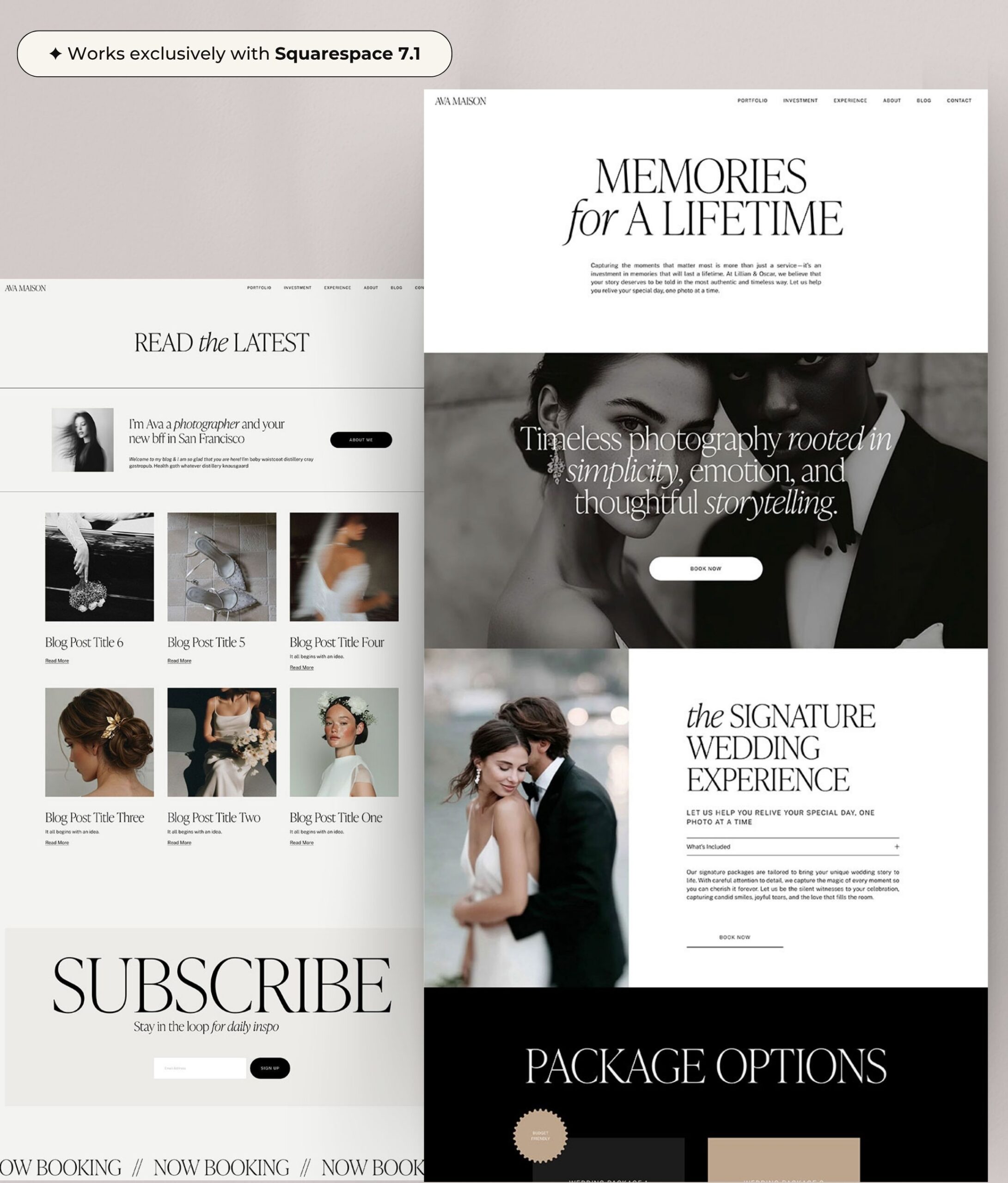
If you want to see both in action
👉 Browse my Showit templates
👉 Browse my Squarespace templates
Or if you’re a designer:
👉 Learn how to build your own template shop

Melissa Lunt is the founder of Superhero Design, a template shop specializing in high-converting Showit website templates for coaches, photographers, and creative entrepreneurs. With over 10 years of experience designing brands and websites, she helps business owners launch beautiful, strategic sites without the designer price tag or tech stress. Melissa is passionate about creating handcrafted templates that don’t just look custom—they actually book clients. When she’s not designing, you’ll find her drinking coffee, spending time with family and exploring the outdoors.
Explore Showit templates and launch resources at superherodesign.co.



Comments +