If you’re trying to decide between Squarespace and Showit, you’re not alone.
This is one of the most common questions I get, and honestly, the answer isn’t one-size-fits-all.
Both platforms are great. They’re just built for different types of users.
In this post, I’ll break down the real differences so you can choose the one that actually makes sense for your business.
The quick breakdown
Here’s the simplest way to think about it:
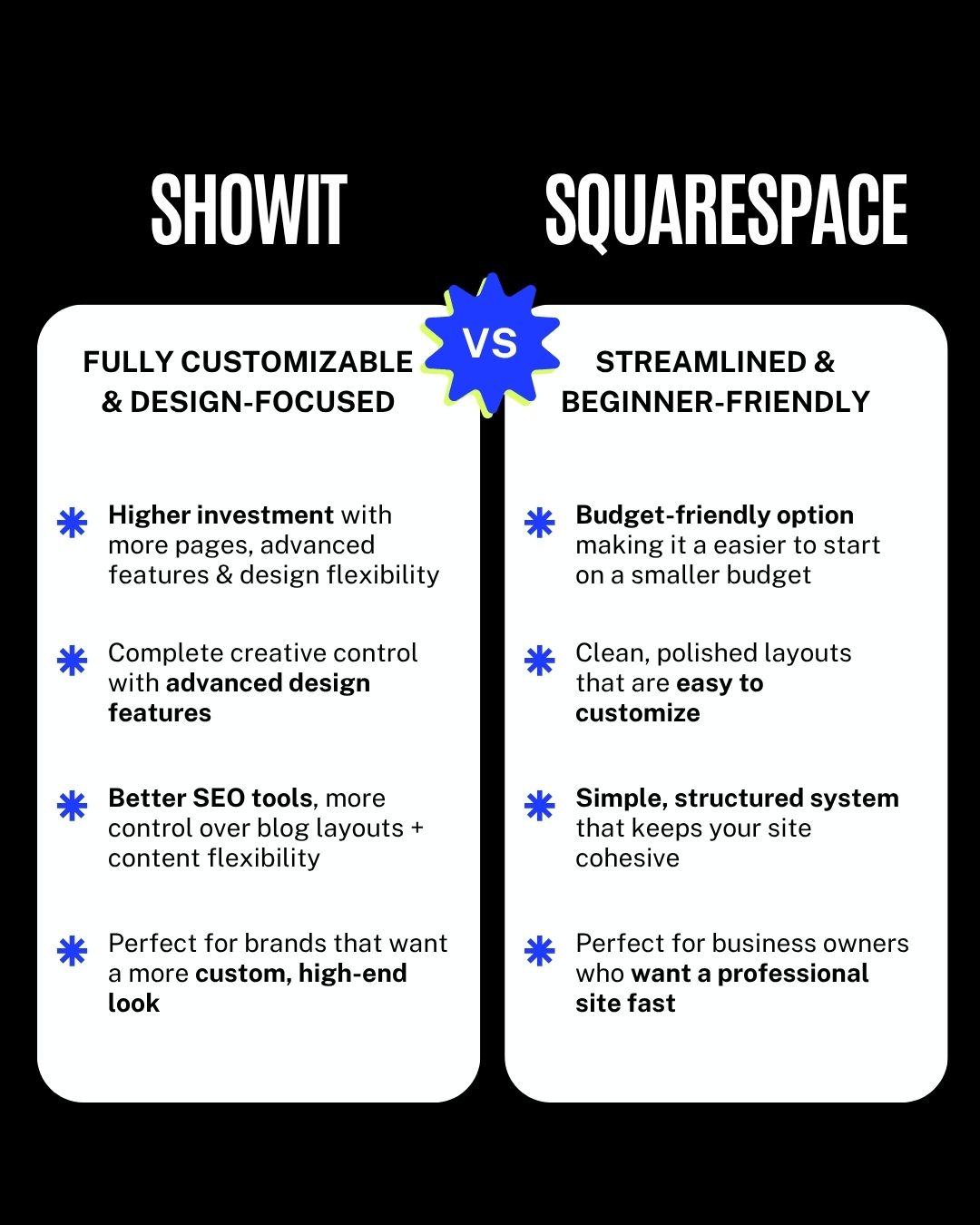
- Showit = fully customizable and design-focused
- Squarespace = streamlined and beginner-friendly
If you already feel pulled toward one just from that, trust your gut. But let’s break it down a little more.
Showit: for full creative control

Showit is built for people who want complete control over how their website looks and functions.
You’re not locked into a structure, which means you can design pretty much anything you want.
What makes Showit stand out:
- Higher investment with more pages, advanced features, and design flexibility
- Complete creative control with advanced design features
- Better SEO tools and more control over blog layouts and content
- Ideal for brands that want a custom, high-end look
When Showit makes the most sense:
- You care a lot about design and branding
- You want your website to stand out
- You’re planning to scale your business
- You don’t mind spending a little more time customizing
Squarespace: for a simple, streamlined setup

Squarespace is designed to make building a website as simple as possible.
It gives you a structured system so you don’t have to think through every design decision.
What makes Squarespace stand out:
- Budget-friendly option that makes it easier to start on a smaller budget
- Clean, polished layouts that are easy to customize
- Simple, structured system that keeps your site cohesive
- Perfect for business owners who want a professional site fast
When Squarespace makes the most sense:
- You want something quick and easy
- You’re not super design-focused
- You prefer a guided, structured setup
- You want to launch your site without overthinking it
Side-by-side comparison
This is the exact breakdown I use when helping people decide:
- Showit is more flexible and design-driven
- Squarespace is more structured and streamlined
- Showit gives you full creative control
- Squarespace gives you a guided system
- Showit is better for advanced customization
- Squarespace is better for ease and speed
Neither one is better overall. It just depends on what you need.

So which one should you choose?
Here’s the honest answer:
Choose Showit if:
- You want a high-end, custom look
- You care about design details
- You want full control over your website
- You’re building a strong brand presence
Choose Squarespace if:
- You want something simple and quick
- You’re working with a smaller budget
- You prefer a structured layout
- You just want a clean, professional site without the extra work

Final thoughts
You really can’t go wrong with either platform.
The biggest mistake people make is choosing based on what someone else is using instead of what actually fits their needs.
If you want full creative freedom, go with Showit.
If you want something simple and easy to launch, go with Squarespace.
Ready to get started?
If you’re ready to build your site, I’ve got templates for both:
👉 Browse Showit Website Templates
👉 Browse Squarespace Website Templates

Melissa Lunt is the founder of Superhero Design, a template shop specializing in high-converting Showit website templates for coaches, photographers, and creative entrepreneurs. With over 10 years of experience designing brands and websites, she helps business owners launch beautiful, strategic sites without the designer price tag or tech stress. Melissa is passionate about creating handcrafted templates that don’t just look custom—they actually book clients. When she’s not designing, you’ll find her drinking coffee, spending time with family and exploring the outdoors.
Explore Showit templates and launch resources at superherodesign.co.
Comments +