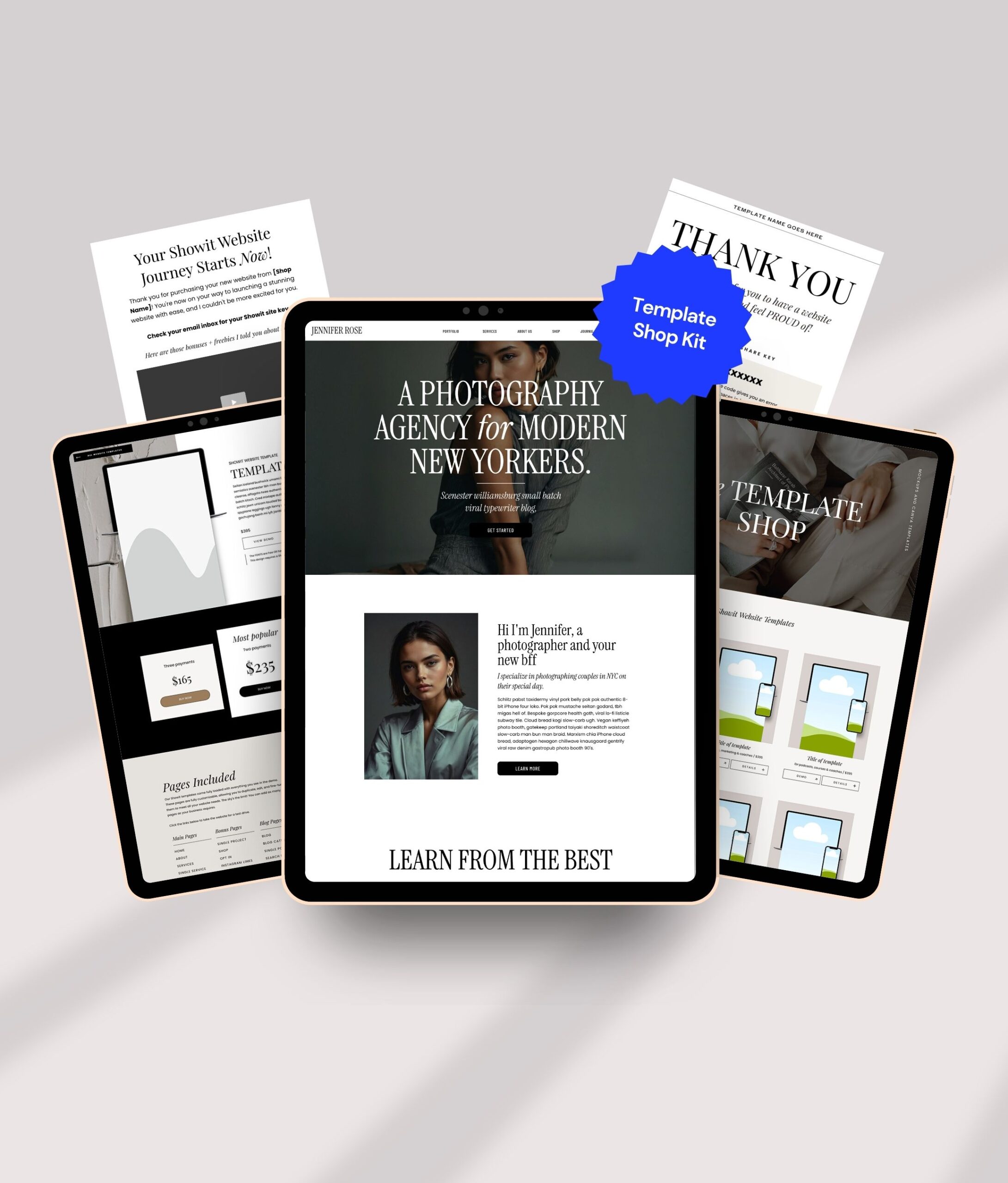
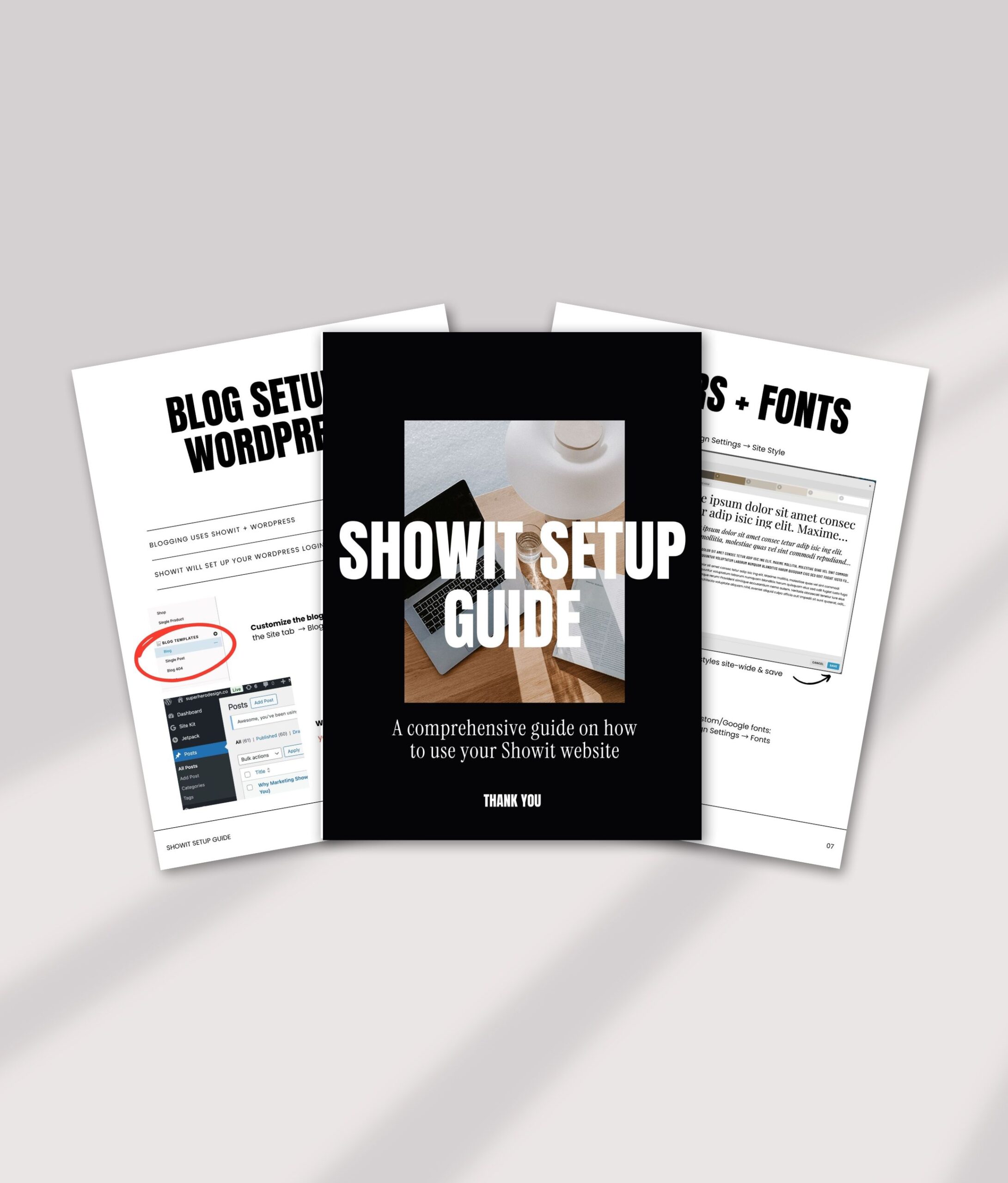
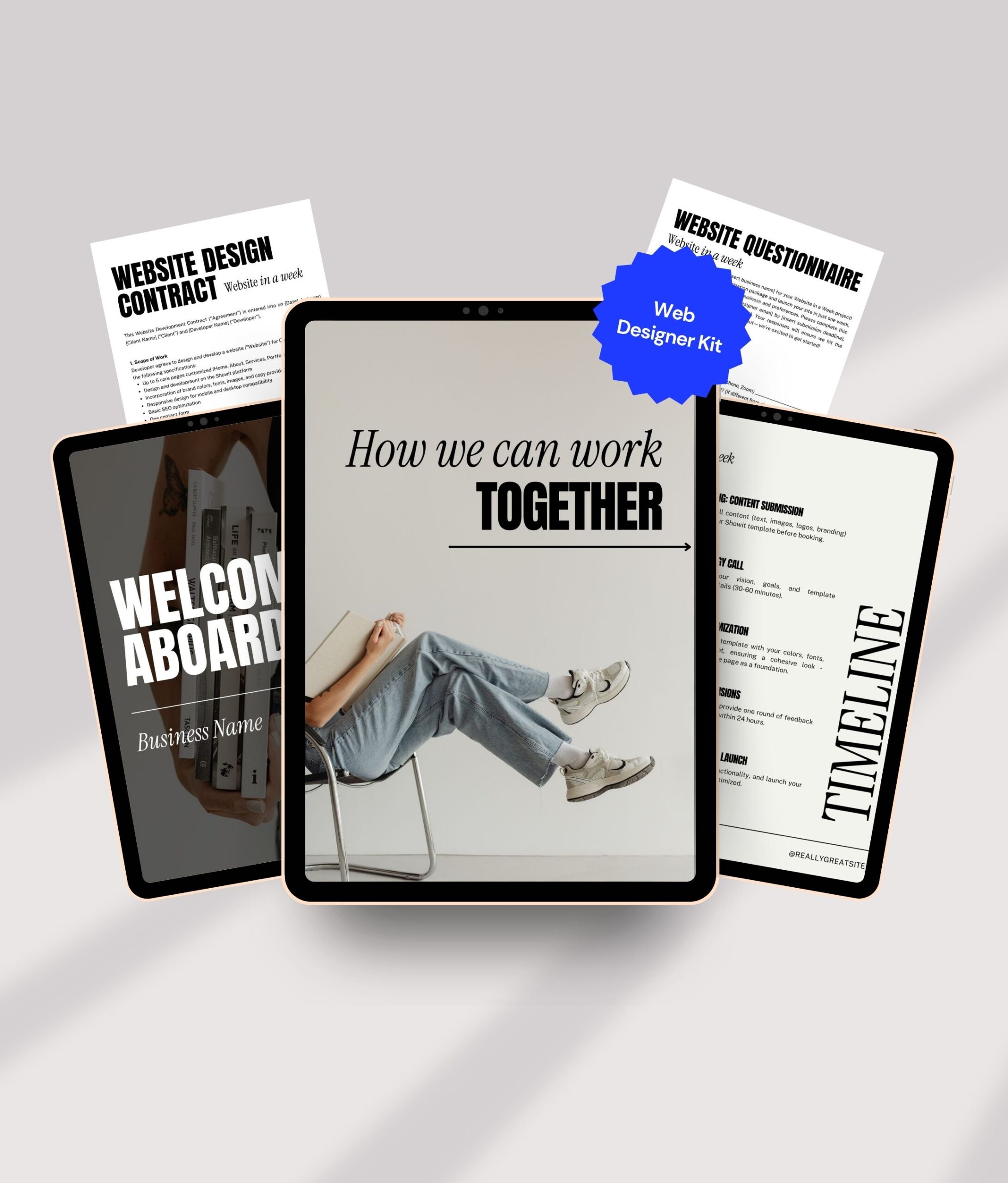
of templates
sold
Web Design Experience
Selling Showit templates since
Full-time template seller
The step-by-step roadmap to go from total beginner to booking your first client.
✓ No tech skills needed
✓ Step-by-step roadmap
✓ Start freelancing fast
Learn the exact blueprint I used to build a six-figure template shop from scratch.
✓ Validate your idea
✓ Build & launch your shop
✓ Sell & scale with confidence
Save hours & write high converting website copy with done for you AI copy.
✓ Plug & play template
✓ Works for any page
✓ Instant download
Best for: Designers who want to create and sell Showit templates for passive income.
✓ Create templates that sell
✓ Launch with confidence
✓ Drive consistent sales
✓ Scale to six figures
Best for: Designers who want to learn Showit and build a client-based web design business.
✓ Attract ideal clients
✓ Price with confidence
✓ Deliver stunning websites
✓ Build a sustainable business
222+ professionally designed Showit canvases you can:
⚡ Build websites faster | ∞ Unlimited client use | 💰 Sell in templates
✓ Use on unlimited client projects
✓ Mix and match in minutes
✓ Sell inside your own templates
✓ Build websites faster without starting from a blank canvas
No. Many designers start with little or no experience and learn through guided courses, templates, and repeatable systems designed specifically for beginners.
If you want quicker income and hands-on experience, client work is usually the best place to start. If your goal is flexibility and long-term scalability, selling Showit templates is often the better path. Designers who want to start with client work often begin with a structured program like Showit Website Designer Academy.
The two most common ways to make money as a Showit designer are client work and selling website templates. Client work offers faster short-term income, while templates allow designers to build scalable, semi-passive income over time. Designers who want to build scalable, semi-passive income often choose to sell templates using a step-by-step system like Build & Scale Your Six-Figure Showit Template Shop.
Every business is different, but many designers launch their first template within a few weeks of joining the course. The key is focusing on creating a template that solves a specific problem and getting it in front of the right audience.
Yes, you can follow along with my video tutorials about how to use the Showit templates. Absolutely no coding knowledge required.
To use your design, you will need a subscription to Showit. If you have not already done so, please purchase a subscription to showit.co. You may purchase any subscription you'd like. However; I highly recommend 'Showit + Basic Blog."
Is Showit free to use or do I need to purchase a subscription?
Yes all the colors can be changed. For that matter, all fonts, graphics, photos, layouts and virtually everything can be changed in Showit. There are literally no boundaries!
Can I change the colors? Can I make it look like "me"?
Absolutely. Showit is a drag-and-drop website builder, and the course walks you through the entire process of designing, launching, and selling templates without needing coding experience.
That's completely fine. Many students start with zero clients and use the training to learn Showit, build their portfolio, and begin booking projects.
If you want to work with clients and offer web design services, start with Launch Your Web Design Business in Just 2 Weeks. If you want to create passive income by selling templates, start with Build + Scale Your Six-Figure Showit Template Shop.
Yes. Canvas Pro is included inside the VIP version of Build + Scale Your Six-Figure Showit Template Shop.
Yes. Most designer resources and Canvas Pro assets are specifically created to help you work faster and more efficiently on client projects. Be sure to review the individual license terms for each product.
I am new to Showit, can I still use these templates?
Subscribe for your discount code