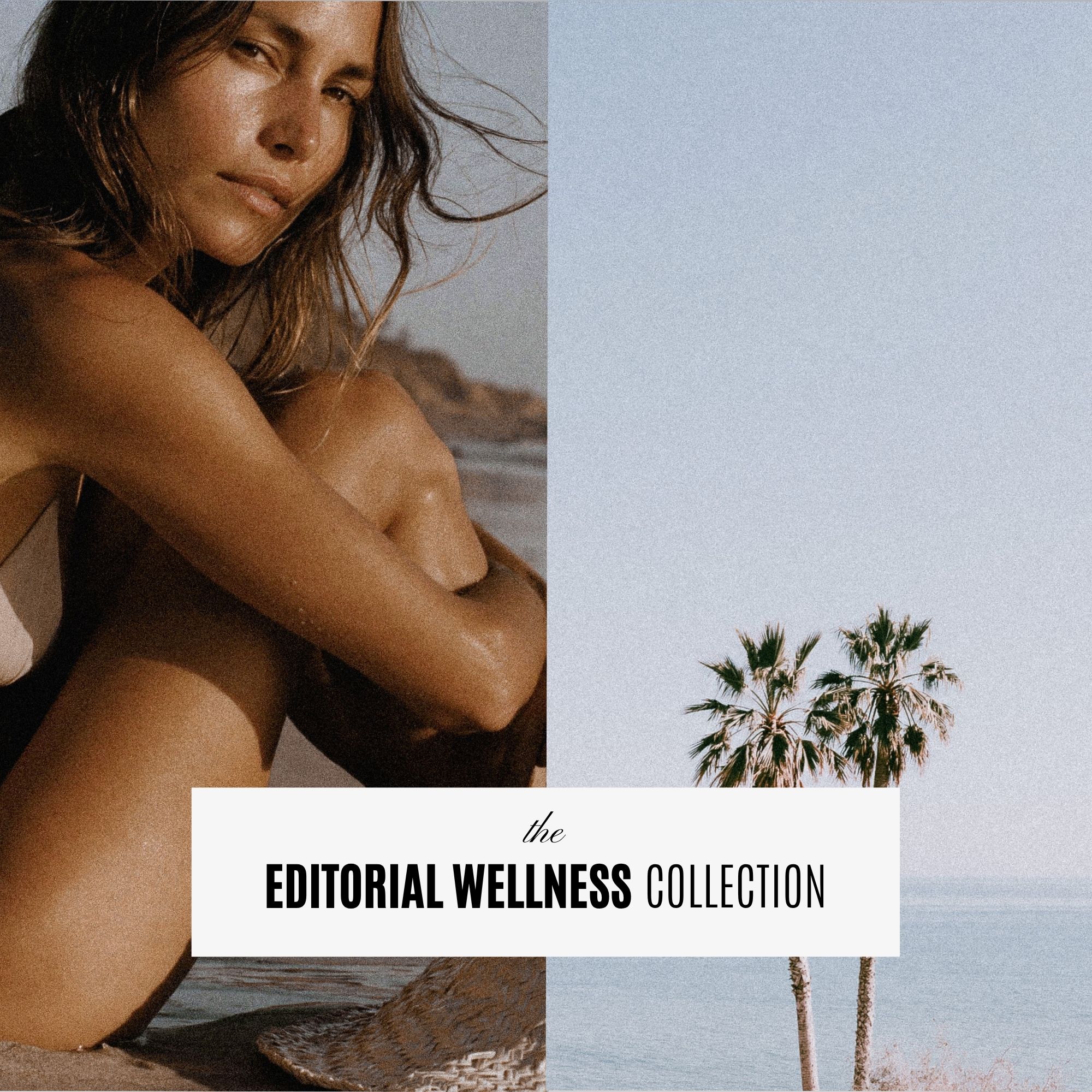
If you’ve ever searched for stock photos for your website, you probably know the problem.
You find one image you love. Then another that’s almost right. Then you spend another hour scrolling through hundreds of photos trying to find something that works with the first two.
Before you know it, your website has five different photography styles, three different color palettes, and nothing really feels like it belongs together.
The problem isn’t necessarily stock photography.
It’s trying to build an entire visual brand one photo at a time.
Here’s how to find stock photos that actually work together and make your website feel intentional.
What makes good stock photos for a website?
A beautiful photo isn’t automatically a good website photo.
When you’re choosing images for a website, you need to think about how the entire group of photos will work together.
Look for images with:
- Similar lighting and editing
- A consistent color palette
- Plenty of negative space for website layouts
- A mix of close-ups, wider shots and details
- Similar styling throughout the collection
- Images that support your brand rather than distract from it
This is especially important when you’re using photography across a homepage, about page, services page, sales pages and blog.
One random image might look beautiful on its own. Put ten unrelated images on the same website and suddenly things can start feeling messy.

Look for stock photo collections, not individual images
One of the easiest ways to avoid the mismatched-stock-photo problem is to start with a collection instead of searching for every image individually.
A good collection gives you multiple images created around the same visual direction.
That means you can use one image in your website hero, another behind a testimonial, a detail shot on your services page and several more throughout your blog or social media without constantly wondering whether everything works together.
It’s also a huge time saver.
Instead of starting another stock-photo search every time you need an image, you already have a library you can pull from.

Want 15 free stock photos?
Before you buy anything, you can start with 15 free editorial stock photos created for websites, social media, Canva designs, marketing and creative projects.
This should be your embedded email opt-in form rather than simply linking to another page if your website setup allows it.
Choose images based on your brand, not what’s trending
It’s tempting to choose whatever photography style you’re seeing everywhere on Pinterest.
But your stock photography should support the personality of your brand.
A luxury brand might look incredible with rich interiors, fashion details and sophisticated lifestyle imagery.
A wellness brand may work better with natural light, soft textures, movement and calming lifestyle imagery.
A bold creative business might need something completely different.
Before choosing your photos, ask yourself:
If someone saw these images without my logo, would they still feel like my brand?
That’s a much better test than simply asking whether you like the photo.
Editorial stock photos can make a website feel less “stock”
Traditional stock photography often tries to communicate an idea very literally.
Think smiling woman pointing at laptop.
Handshake in office.
Woman holding coffee while looking suspiciously excited about checking her email.
You don’t necessarily need your images to explain exactly what your business does.
Editorial-style photography can help create the feeling you want someone to associate with your brand.
A beautifully styled desk can communicate creativity.
An architectural detail can communicate luxury.
Movement and blurred photography can add energy.
A close-up fashion detail can make a simple website layout feel more editorial.
This gives you much more freedom when designing your site.

Think about where the images will actually go
This is one of the things designers think about that can easily get overlooked when you’re choosing stock photos.
You need more than pretty pictures.
For a typical website, you’ll probably need a combination of:
Hero images
Photos with enough breathing room to work with headlines and buttons.
Background images
Simple compositions that won’t compete with text.
Detail images
Close-ups that can break up longer pages.
Lifestyle images
Photos that help establish the personality of the brand.
Supporting images
Images you can use for blog posts, testimonials, calls to action and smaller sections.
Choosing a collection with variety gives you much more flexibility when you actually start designing.
Don’t forget about the rest of your marketing
Your website isn’t the only place you’ll need imagery.
The same stock photo collection can help create consistency across your:
Instagram posts
Pinterest graphics
Email marketing
Sales pages
Canva graphics
Presentations
Digital products
Blog posts
This is another reason I prefer choosing a collection rather than downloading unrelated photos as you need them.
Your website and marketing start to look like they belong to the same business.
What about AI-generated stock photos?
AI has made it possible to create imagery that would be difficult, expensive or sometimes impractical to produce through traditional stock photography.
But there’s a big difference between generating a random AI image and designing a usable stock photo collection.
The stock photo collections at Superhero Design are created using AI by a designer, then individually selected, edited and refined to create a cohesive collection.
They’re intentionally designed around a specific visual direction so you aren’t trying to piece together dozens of unrelated AI images yourself.
That distinction is important to me.
AI is the tool used to create the imagery. The collection itself is designed.
Where can you find stock photos for your website?
There are plenty of huge stock libraries online, and they’re useful when you need one very specific image.
But if your priority is creating a website that feels visually consistent, look for stock photography sold in collections with a defined aesthetic.
That’s exactly why I created the Superhero Design editorial stock photo collections.
Each collection includes 75 high-resolution images designed to work together, giving you a ready-to-use image library for your website and the rest of your brand.
SHOP ALL STOCK PHOTO COLLECTIONS →
Not ready for the full collection?
Start with the free set.
Get 15 free stock photos and try them in your website, Canva designs or social media before choosing a full collection.


Melissa Lunt is the founder of Superhero Design, a template shop specializing in high-converting Showit website templates for coaches, photographers, and creative entrepreneurs. With over 10 years of experience designing brands and websites, she helps business owners launch beautiful, strategic sites without the designer price tag or tech stress. Melissa is passionate about creating handcrafted templates that don’t just look custom—they actually book clients. When she’s not designing, you’ll find her drinking coffee, spending time with family and exploring the outdoors.
Explore Showit templates and launch resources at superherodesign.co.
Comments +