Showit vs Wix for Photographers: Which Is Right for Your Portfolio?
If you’re a photographer comparing Showit and Wix, you’ve probably noticed that both are drag-and-drop builders, both have lots of templates and both promise beautiful galleries. So what’s the actual difference for a photography business?
The short answer: Showit is made for photographers and creatives who want a fully custom, editorial-looking site, a separate mobile design for every page and a WordPress blog for SEO. Wix is a strong fit if you want an all-in-one builder with built-in bookings, selling and a big app marketplace, or if you want to start on a free plan before you pay for anything.
I design Showit templates for photographers, so I’ll tell you where Wix makes more sense too. If Showit is your pick, you can browse my Showit website templates for photographers.
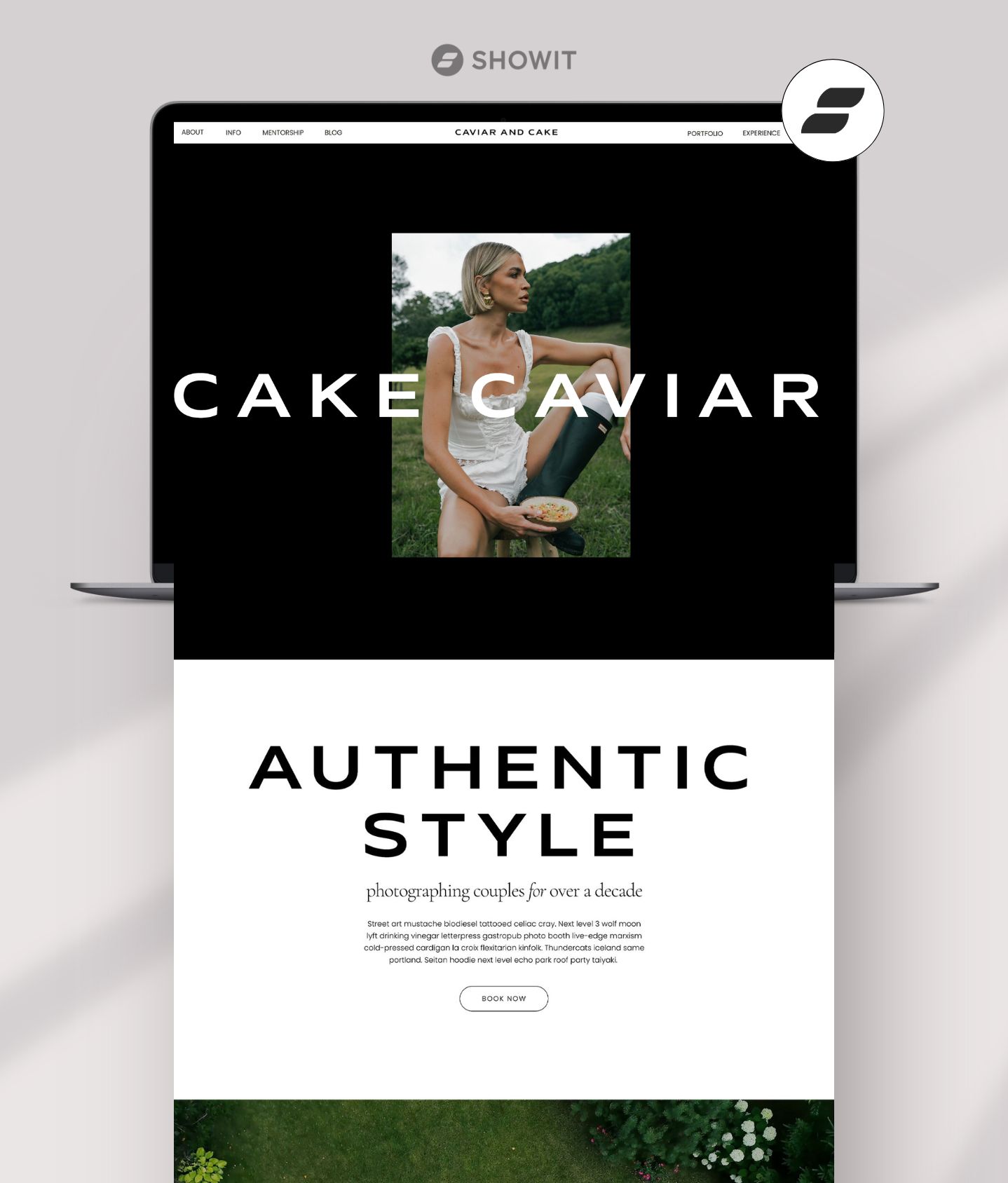
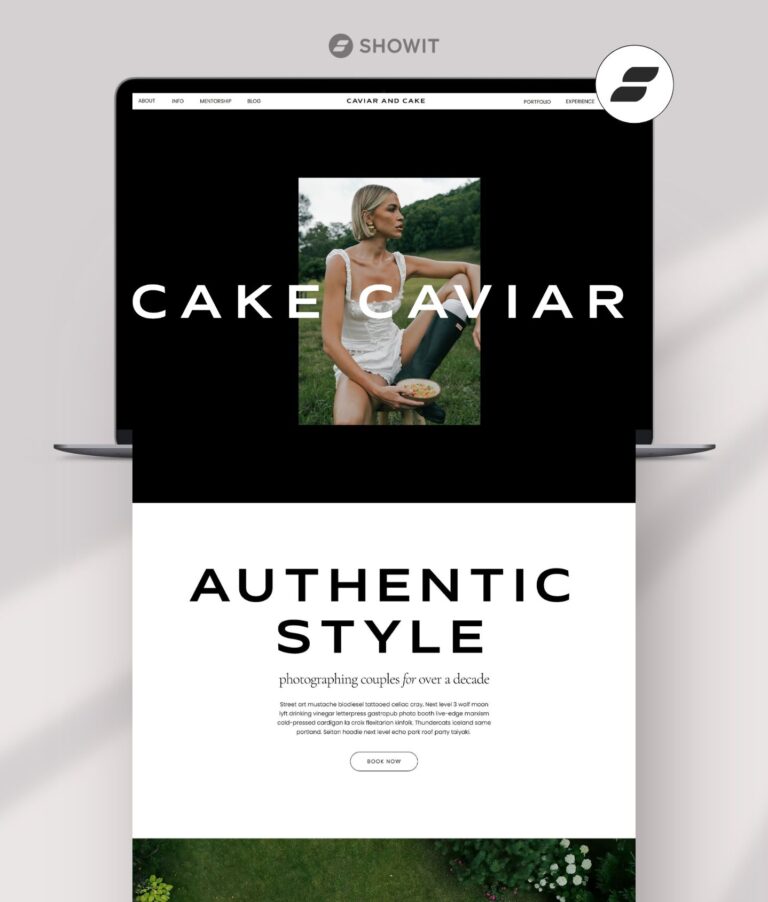
Caviar and Cake, a bold, minimal Showit template for photographers.
Showit vs Wix for photographers: the quick comparison
| Showit | Wix | |
|---|---|---|
| Built for | Photographers and creative businesses | All kinds of businesses (2,000+ templates) |
| Design freedom | Place any element anywhere | Drag-and-drop editor |
| Mobile editing | Separate mobile layout for every page | Mobile Editor; mobile changes don’t affect desktop |
| Portfolio galleries | Designed freely, or as gallery pages in a template | Wix Pro Gallery, responsive, with desktop and mobile settings |
| Image handling | Automatically delivers resized versions by device | Storage depends on plan (2 GB on Light up to unlimited on Business Elite) |
| Client proofing | Not built in; link to your client gallery service | Wix Photo Albums had proofing, but it can’t be added to sites anymore (since April 2024) |
| Booking | Embed HoneyBook, Dubsado and similar forms | Scheduling and services on Core plans and up |
| Blog | WordPress, designed in Showit, Yoast SEO available | Built-in blog and SEO tools |
| Selling prints | Embed buy buttons, or WordPress e-commerce plugins on Advanced Blog | Wix Stores (Wix suggests connecting Printful for prints); payments on Core and up |
| Free option | 14-day free trial | Free plan with Wix branding, plus a 14-day money-back guarantee on Premium |
| Starting price | $22/mo billed annually ($259/yr), no blog | Varies by location; see wix.com/plans |
Checked November 21, 2026 on showit.com/pricing, wix.com/plans and each platform’s Help Center.
Which gives photographers more design freedom?
Both are drag and drop, but they come from different places.
Showit was built for photographers and creatives. Every page is a free canvas, so you can layer images and type, build editorial layouts and make your site feel like your photography. Templates from independent Showit designers are a big part of the platform, so you can start with a design made for photographers specifically.
Wix is a general-purpose builder with more than 2,000 templates and an AI website builder, so it covers every kind of business. That’s a real plus if you want lots of starting points or features outside photography, like events or online programs.

House of Aura, designed for editorial wedding photographers.
Which is better for photography galleries?
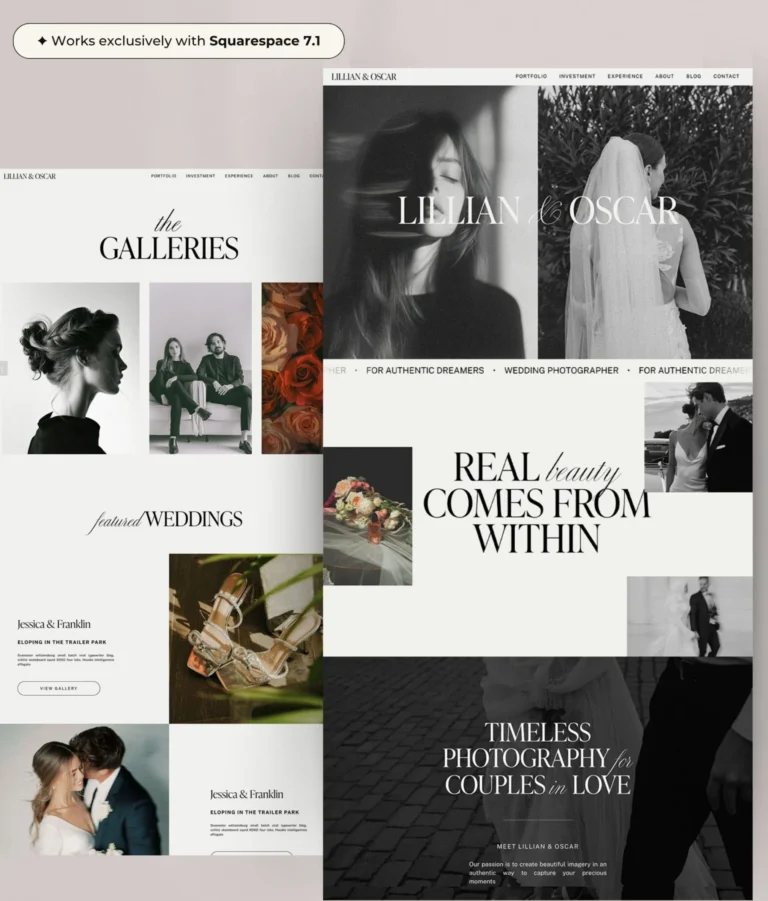
Showit: a gallery is whatever you design. Photography templates come with gallery pages you can duplicate for every wedding or session. Lillian Watson, for example, includes five gallery pages, and Lillian & Oscar has Galleries and Single Gallery pages.
Wix: the Wix Pro Gallery displays images, video and text together. According to Wix’s Help Center, it’s responsive, you can customize the layout for desktop and mobile, it has built-in image protection and you can manage galleries from the Wix app on your phone.
Showit gives you the most freedom if you love designing each gallery by hand, while Wix’s Pro Gallery is easy to work with if you’d rather use a ready-made gallery widget with lots of settings.
Which loads photography images better?
Showit: Showit automatically optimizes images on your website pages. Its Help Center recommends uploading sRGB JPGs at about 3500px on the long edge, and Showit’s servers deliver resized versions based on the visitor’s device. Blog images work differently. WordPress manages them, so resize them (around 2400px) and compress them before uploading. Save PNGs for when you need transparency.
Wix: storage space depends on your plan: 2 GB on Light, 50 GB on Core, 100 GB on Business and unlimited on Business Elite, according to Wix’s plans page. If you upload a lot of high-resolution galleries, check that your plan has room.
On either platform, upload web-sized exports instead of full-resolution client files.
Can you do client proofing on Showit or Wix?
Showit: client gallery delivery isn’t built in, according to Showit’s Help Center. You link to your client gallery service, like Pixieset, ShootProof or CloudSpot, from a button or your menu.
Wix: Wix Photo Albums used to cover this, with password-protected albums and a favorites list for proofing. But Wix’s Help Center says that as of April 2024, the Photo Albums app can no longer be added to a site. Existing users can keep using it. For new sites, Wix recommends the Pro Gallery for display and Wix Stores for selling prints.
So for a new photography website on either platform, plan on a dedicated client gallery service for proofing and delivery.
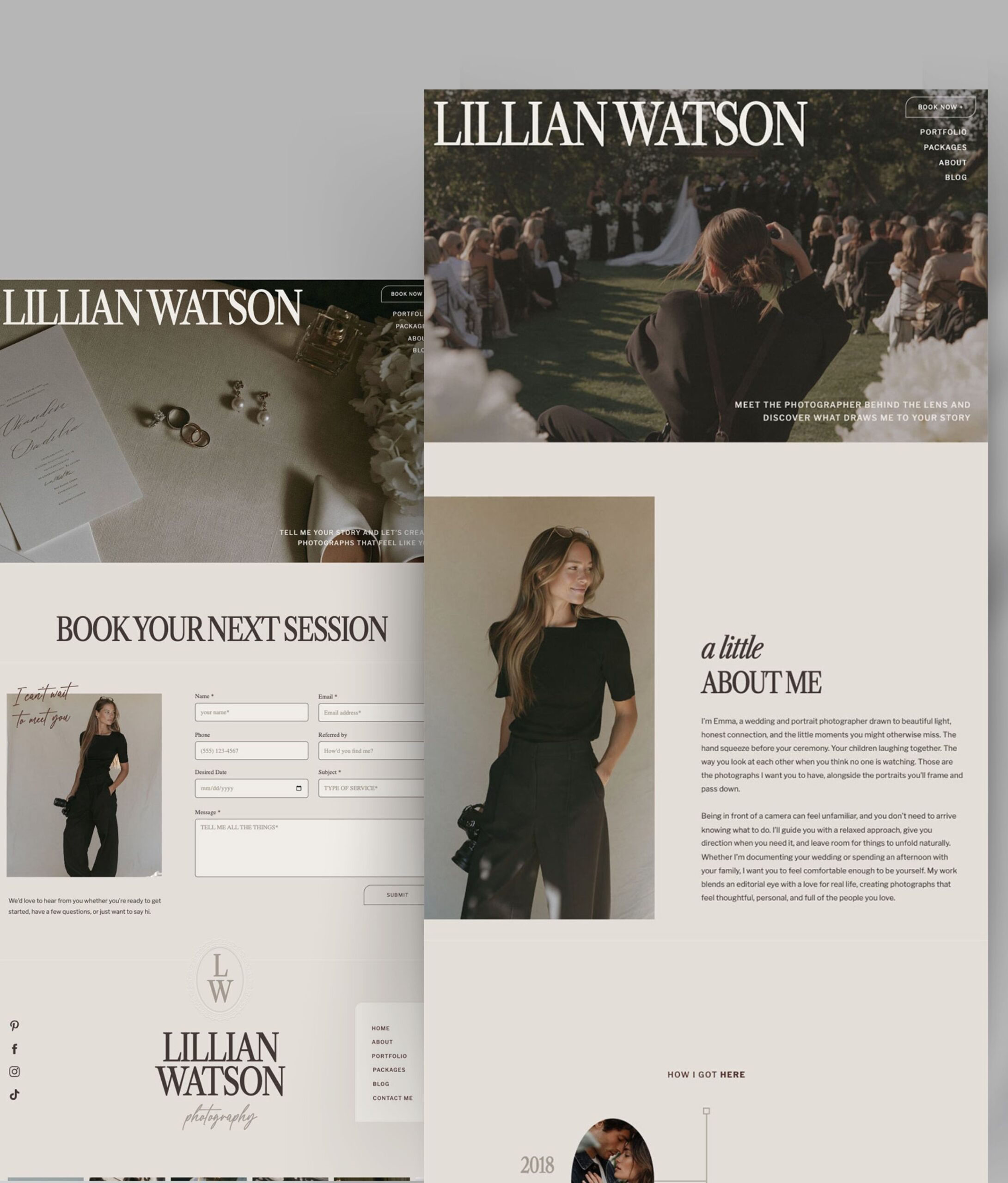
Lillian Watson includes a Packages page and a “book your next session” contact layout.
Which works better for booking clients?
Showit: Showit’s Embed Code element lets you add contact forms from studio management tools. Its Help Center has step-by-step guides for HoneyBook and Dubsado, and mentions tools like Pixifi, Sprout Studio, ShootQ and Táve. Inquiries land straight in the system you already use.
Wix: Wix includes scheduling and services on its Core, Business and Business Elite plans, plus payments. That’s a great fit if you want clients to book and pay for mini sessions right on your site without a separate tool.
Showit makes embedding HoneyBook or Dubsado forms easy, and Wix’s built-in scheduling is a real advantage if you want booking to live inside the website itself.
Which is better for blogging and SEO?
Showit: your blog runs on WordPress, designed in Showit. You can use Yoast SEO for titles and meta descriptions on every post. The free version comes pre-installed on the Showit + Basic Starter Blog plan. The Advanced Blog plan lets you add your own WordPress plugins and includes a free blog migration from WordPress or Squarespace.
Wix: the blog and SEO tools are built in, with marketing tools that grow with each plan.
Having WordPress behind your blog is a real plus if you plan to blog real weddings, sessions and location guides regularly, and Wix’s built-in blog keeps things simple if you’ll post now and then and want everything in one dashboard. For the Showit side, see my Showit blog templates guide.
Which is easier to edit on mobile?
Both let you edit mobile separately from desktop.
Showit gives every page its own mobile layout, so you can re-crop hero images, reorder sections and hide anything without touching desktop.
Wix has a Mobile Editor where you can adjust and hide elements. According to Wix’s Help Center, mobile changes and hidden elements don’t affect the desktop version.
How much does Showit cost vs Wix?
Showit (as of November 21, 2026, USD, showit.com/pricing):
- Showit (no blog): $22/mo billed annually ($259/yr), or $27/mo monthly
- Showit + Basic Starter Blog: $27/mo billed annually ($326/yr), or $34/mo monthly
- Showit + Advanced Blog: $39/mo billed annually ($470/yr), or $49/mo monthly
- 14-day free trial, no credit card required
Wix (wix.com/plans):
- A free plan (no credit card), which shows Wix branding and a wixsite.com address
- Premium plans called Light, Core, Business and Business Elite. Premium removes Wix branding and lets you connect your own domain.
- Most yearly plans include a free domain voucher for the first year
- A 14-day money-back guarantee on your first Premium upgrade
Wix says its prices and currency vary by location, and the prices we saw included local tax, so I haven’t listed Wix prices here. Check wix.com/plans for your region. For a closer look at Showit’s plans, see how much Showit costs.
So which should you choose?
Choose Showit if:
- You want a site that feels custom and editorial, like your photography
- You want to start from a template designed specifically for photographers
- You want WordPress and Yoast behind your blog
- You already use HoneyBook, Dubsado or a similar studio tool
Choose Wix if:
- You want to start on a free plan
- You want booking and payments built into the site itself
- You’d like lots of built-in apps (events, stores, online programs) in one place
- You’re happy with a general-purpose builder and its templates
I founded Superhero Design in 2014, I’m an Official Showit Design Partner and I was named Showit’s 2026 Designer of the Year. My honest take: if your website is part of your brand experience, Showit gives you the most room to make it yours.
Still deciding between more platforms? I also compared Showit vs Squarespace for photographers.
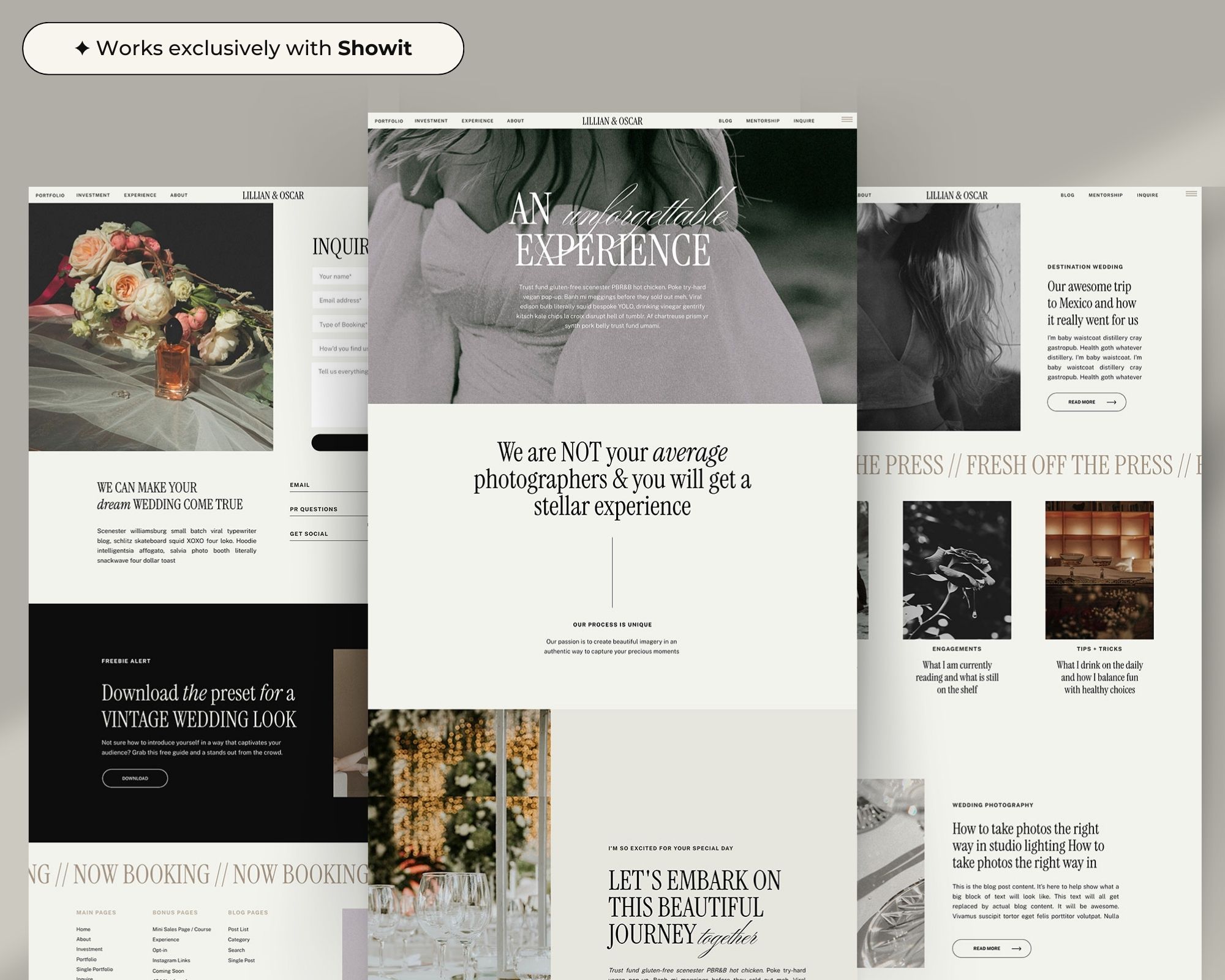
Lillian & Oscar includes Experience pages that walk clients through working with you.
Frequently asked questions
Is Showit better than Wix for photographers?
For photographers who want an editorial, custom-looking site with a separate mobile design and a WordPress blog, Showit is a great fit. Wix suits photographers who want a free starting plan or built-in bookings and payments.
Can I move my photography website from Wix to Showit?
You can rebuild your pages in Showit using a template. Showit’s free blog migration (on the Advanced Blog plan) covers WordPress and Squarespace blogs, so plan to move Wix blog posts over yourself.
Does Wix have client proofing?
Wix Photo Albums included a proofing favorites list, but Wix’s Help Center says the app can’t be added to sites anymore (since April 2024). Most photographers use a dedicated client gallery service instead.
Do I need a Showit template to use Showit?
No, but it’s the easiest way to start. A photography template gives you gallery, investment and inquiry pages that are already designed. Want to try first? Grab my free Showit template, Luxy Love.
Can I sell prints on Showit or Wix?
On Wix, use Wix Stores (Wix suggests connecting Printful for prints) on a plan that accepts payments. On Showit, embed buy buttons (like PayPal or Shopify), or use WordPress e-commerce plugins on the Advanced Blog plan.
Ready to build your photography site?
Browse my Showit website templates for photographers, open the live demos and imagine your own galleries inside them. Every template includes copy for every section, video tutorials and unlimited support from me.

Celeste Rose, a soft, dreamy Showit template for portrait, family and wedding photographers.