Best Showit Blog Templates (and How to Set Up Your Showit Blog)
A lot of people pick Showit for the design freedom, then hit pause when it’s time to start a blog. Where do the posts go? Is it really WordPress? Do you need a separate blog template?
Good news: it’s simpler than it sounds.
The short answer: a Showit blog runs on WordPress, but you design how it looks in Showit, using your template’s blog pages (usually a post list and a single post layout). Every Showit template in my shop includes designed blog pages, so you don’t need to buy a separate Showit blog template. You can browse them all in my Showit website templates shop.
How does a Showit blog work?
Showit explains it nicely on its own pricing page: Showit handles the design, and WordPress handles the blog.
In practice, that means:
- In Showit, you design your blog pages: the list of posts, the single post layout, category pages and search results.
- In WordPress, you write, edit and publish your posts. You’ll log in at yourdomain.com/wp-admin.
So you get Showit’s design freedom on the outside and WordPress’s blogging tools (including Yoast SEO) on the inside.
What should a Showit blog template include?
If you’re comparing Showit templates for bloggers, look for these blog pages:
- Post list. The main blog page that shows your latest posts.
- Single post. The layout every individual post uses. This is the one readers see most.
- Category pages. Helpful once you have more than a handful of posts.
- Search. Lets readers find older posts. (If your template doesn’t have one, here’s how to add a search bar to a Showit blog template.)
- Opt-in or freebie page. Turns readers into email subscribers.
What are the best Showit templates for bloggers?
Madison Mae: made for bloggers and content creators
Madison Mae (listed in my shop as Madison Coaching) was designed for bloggers and content creators, with a clean, modern layout that puts your writing and visuals first. Alongside Post List, Single Post and Category pages, it has Course, Podcast, Opt-in and Shop My Favs pages, so you have room to grow beyond the blog.
House of Aura: for photographers who blog their sessions
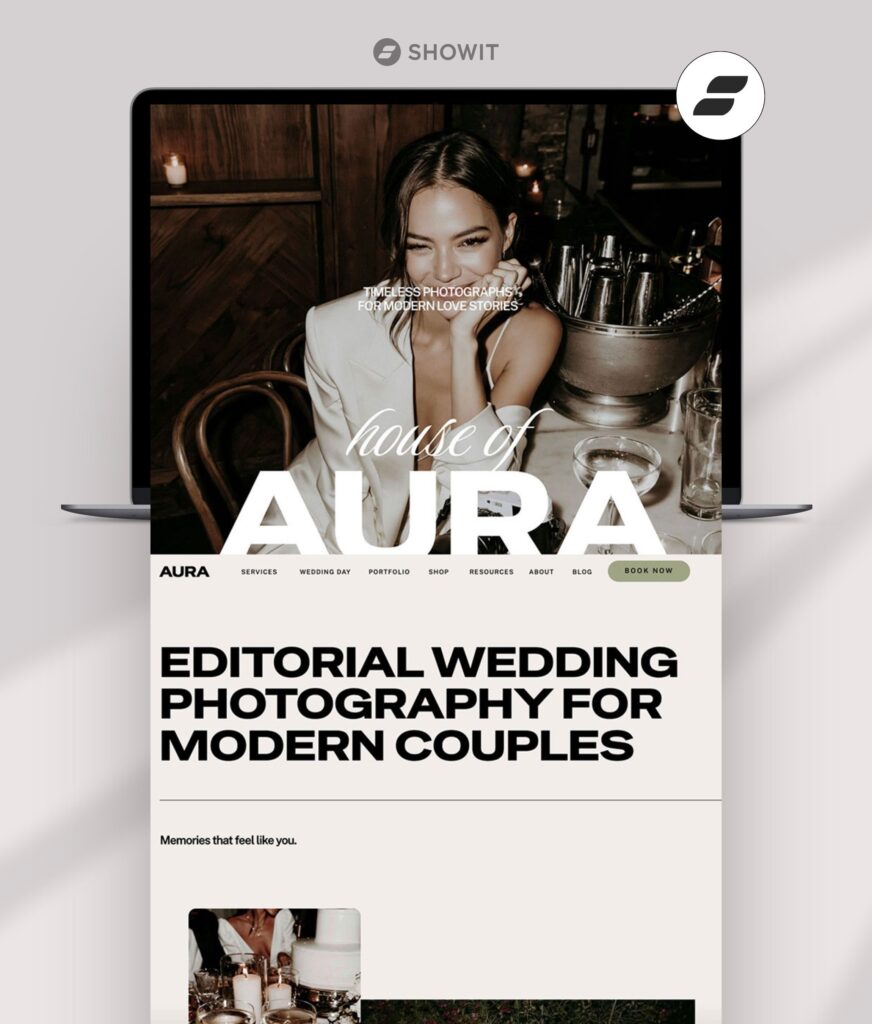
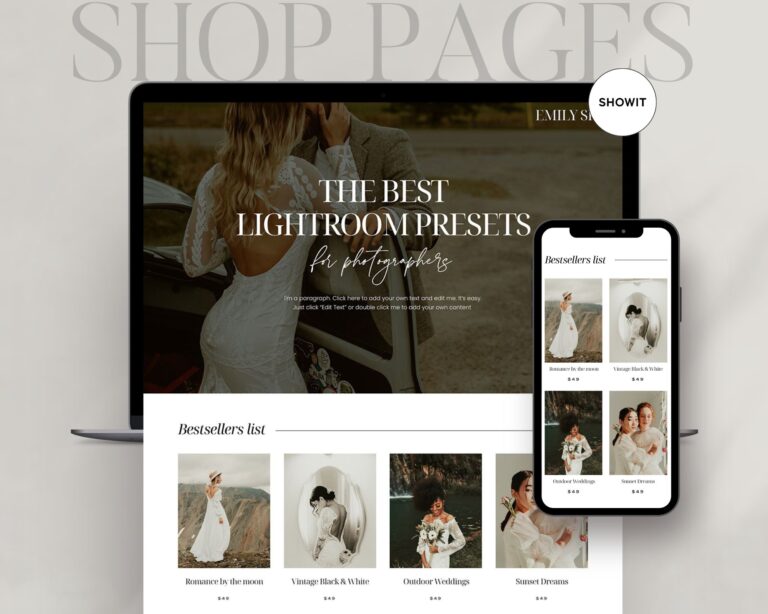
House of Aura includes Post List, Single Post, Search and Category pages. It’s a great fit if you blog real weddings and sessions.
Astra Maven: for coaches who teach through their blog
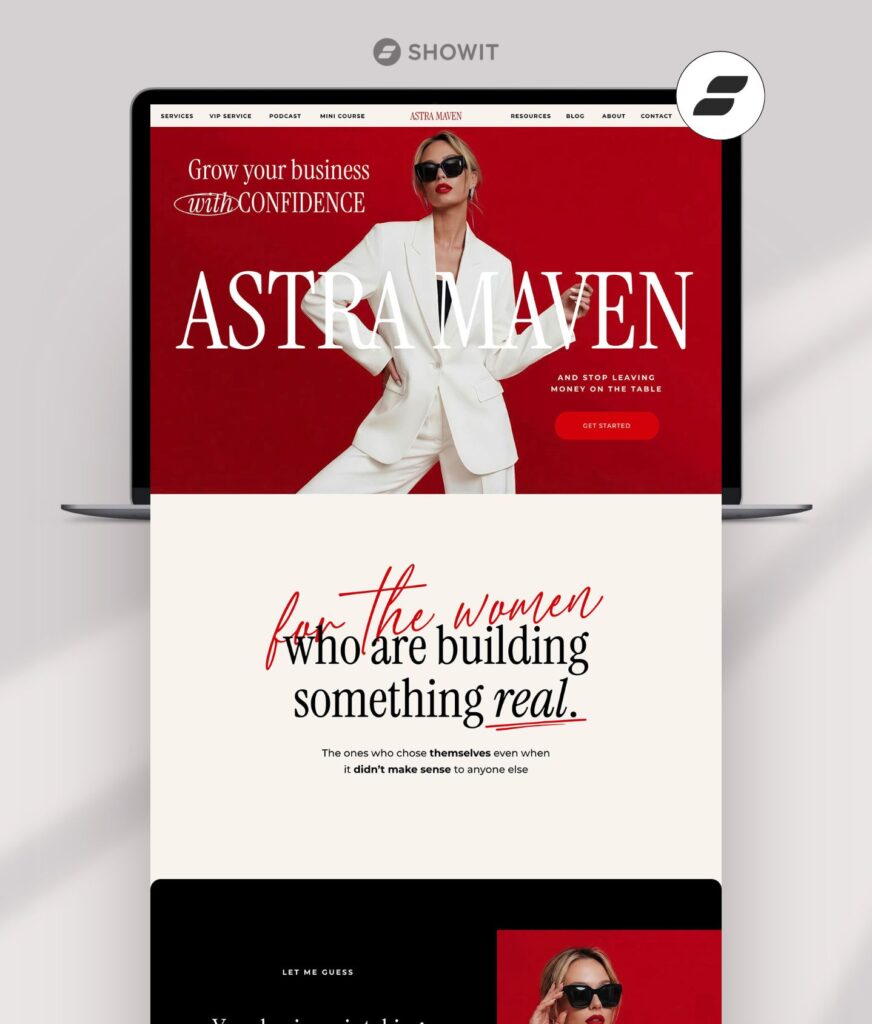
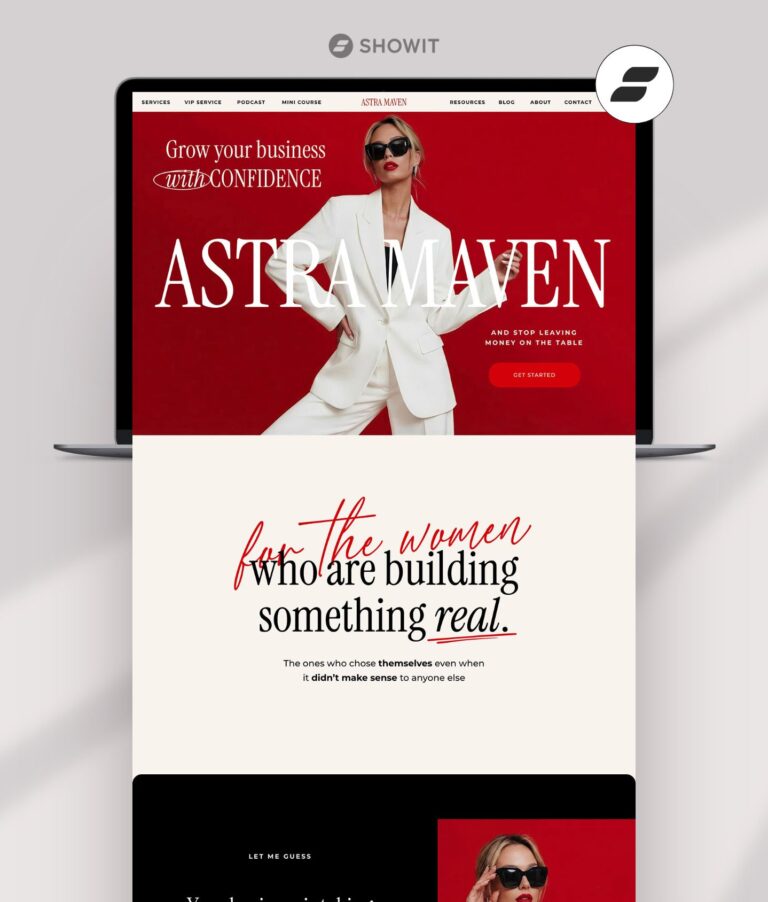
Astra Maven has the full blog set (Post List, Single Post, Search, Category), and the Deluxe version adds Podcast, Opt-in, Resources and a Mini Sales Page.
Soho Studio: for designers and creatives
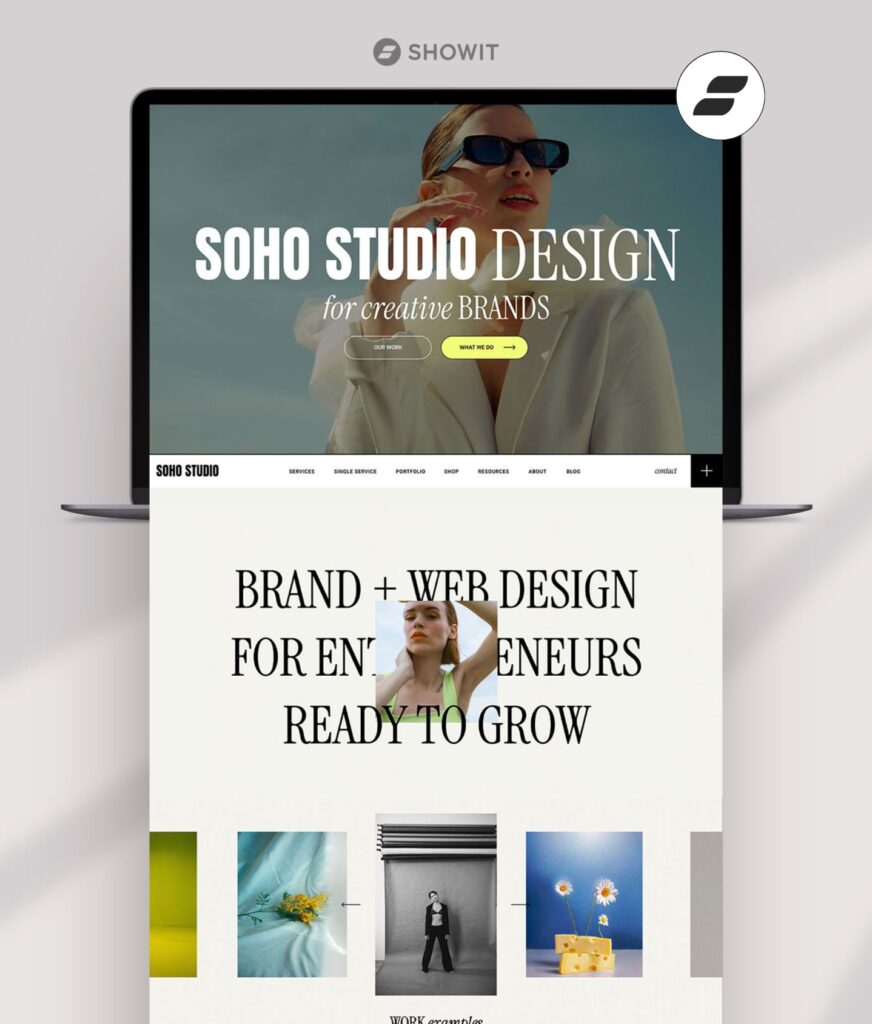
Soho Studio has lots of white space and the full set of blog pages, so project write-ups and design tips look polished.
Lillian Watson: for storytelling wedding photographers
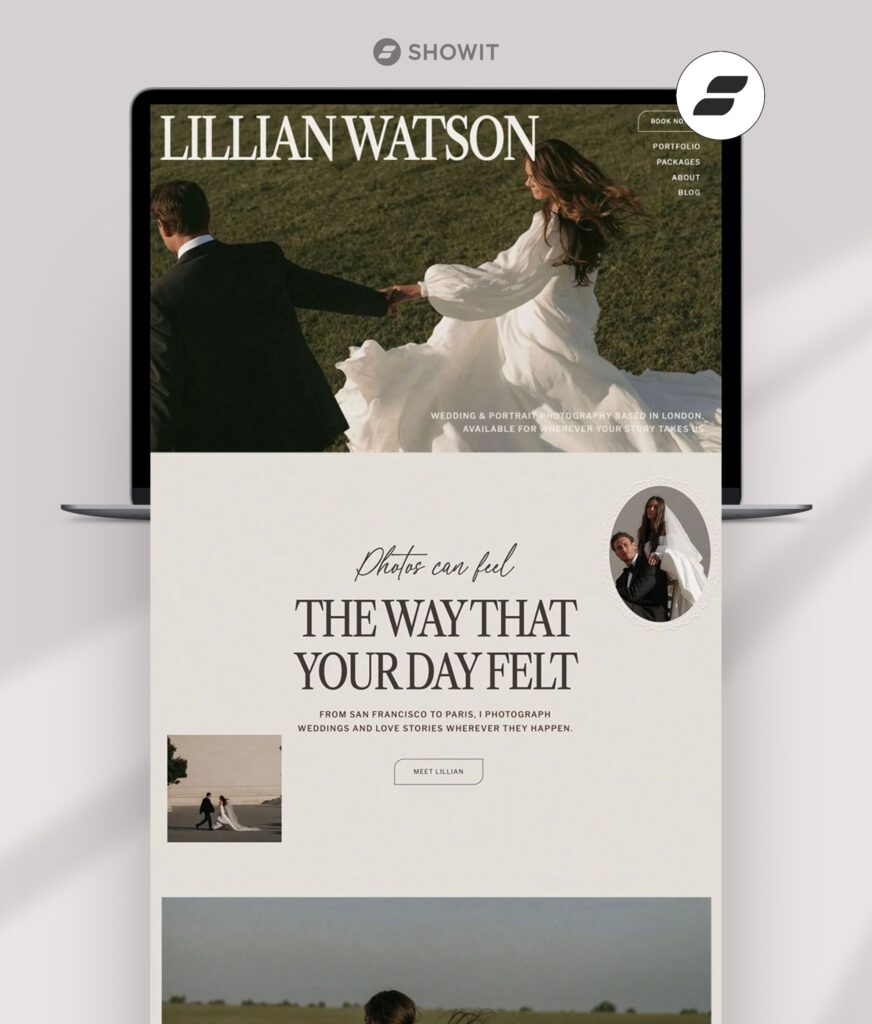
Lillian Watson calls its blog a Journal, with Single Post and Category pages to match, which feels right for romantic, story-led wedding posts.
Which Showit plan do you need for a blog?
You need a Showit plan that includes a blog. The standard Showit plan covers your website pages but not a blog. Showit offers two blog plans:
- Showit + Basic Starter Blog. Made for starting a new blog. It comes with a set of pre-installed plugins, including the free version of Yoast SEO. You can’t add other plugins, and custom embed code is removed from posts.
- Showit + Advanced Blog. For bloggers who want to install their own WordPress plugins (including e-commerce), migrate an existing blog from WordPress or Squarespace, or add more users.
For most people starting fresh, I recommend Showit + Basic Starter Blog. I listed current prices for every plan in how much Showit costs.
One thing to know: during Showit’s 14-day free trial, you can’t access blogging features through a WordPress admin or connect a domain. You’ll set up the blog once you’re on a paid blog plan.
How do you set up a Showit blog?
Here’s the general order I’d follow:
- Choose a blog plan. Pick Basic Starter Blog or Advanced Blog.
- Design your blog pages in Showit. Customize your template’s Post List and Single Post pages so they match the rest of your site.
- Log in to WordPress. Go to yourdomain.com/wp-admin.
- Turn on Yoast SEO. On the Basic Starter Blog, it’s already installed, so just go to Plugins and activate it. On the Advanced Blog, install it from Plugins first.
- Set up categories. Start with three to five topics you’ll write about regularly.
- Write your first post. Add a clear title, a featured image and an SEO title and description in Yoast.
- Check it on mobile. Look at your single post page on your phone before you share it.
If you get stuck on the platform side, Showit’s Help Center and support team are very helpful.
What should you blog about on a Showit website?
The easiest topics are the questions your clients already ask you. A few ideas:
- Photographers: real weddings and sessions, location guides, what to wear
- Coaches: answers to common client questions, your process, mini lessons
- Designers and creatives: project write-ups, behind the scenes, how you work
Frequently asked questions
Do Showit templates include a blog design?
Every Showit template in my shop includes designed blog pages, so your blog matches the rest of your site.
Is a Showit blog good for SEO?
Your Showit blog runs on WordPress, so you can use Yoast SEO to set titles, meta descriptions and focus keyphrases for every post. Like any blog, your results depend on what you write and how well it answers what people search for.
Can I move my existing blog to Showit?
Showit’s Advanced Blog plan includes a free blog migration from WordPress or Squarespace. Migrations aren’t available on the Basic Starter Blog plan.
Can I add a blog to my Showit site later?
Yes. You can start on the standard Showit plan and upgrade to a blog plan when you’re ready. Your template’s blog pages will be waiting.
Find a template with a blog you’ll love
Browse my Showit website templates and open a live demo’s blog pages to see how your posts would look.